New Employee Welcome Gifts: A Practical Guide
A good new-employee welcome gift starts with what you actually know: the employee's confirmed name and any preferences or details that have been explicitly provided. Choose a neutral standard product when preferences are unknown, and do not guess hobbies, drink choices or personal tastes.
Start With Confirmed Information
Onboarding is an early point in the relationship, so simple personalisation is usually easier to get right than something based on assumptions. Confirm the spelling of the employee's name and any wording that will appear on the item. If a preference has not been provided, treat it as unknown rather than filling in the gap yourself.
Check the Standard Collection First
Start with Our Collection. If an existing product already fits the purpose, its normal product options are the clearest route. Ordering several pieces does not automatically turn the order into a bespoke project; quantity and custom format are separate questions.
For a new employee whose preferences are not known, favour a product that does not depend on assumptions about alcohol, hobbies or lifestyle. A drink-specific gift can still be appropriate when that preference is actually known; for that narrower use case, see the Corporate & Client Bar Gifts guide.
Use Only Personalisation the Product Supports
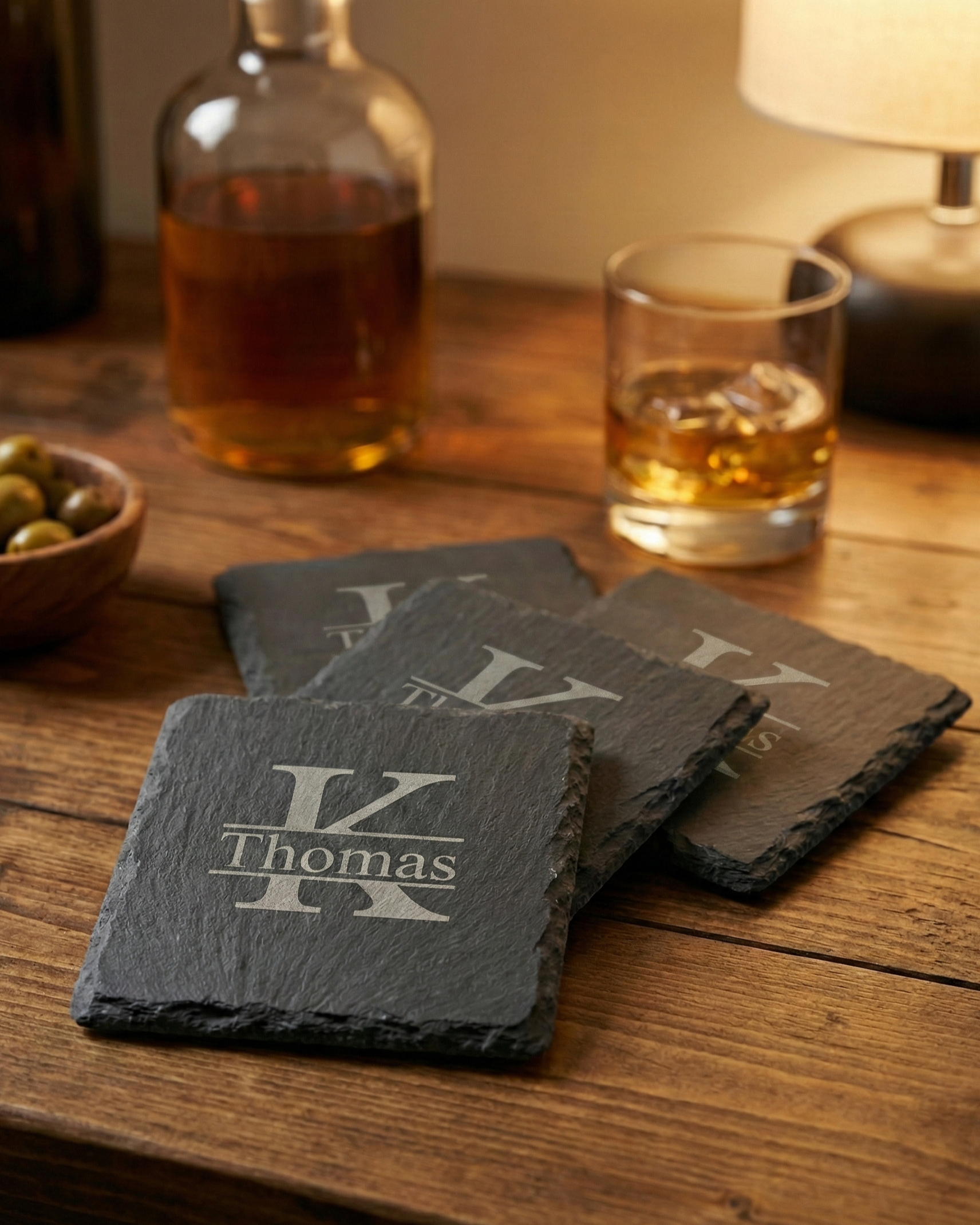
Do not assume every AtaNova product supports the same name, message or company-logo layout. Personalisation is product-specific. Use the options shown on the chosen product page and review the Design Proof before production. If coordinated branding or a special layout falls outside those options, that is a reason to discuss a custom project instead of forcing the standard product to do something it does not offer.
Keep Welcome Wording Short and Accurate
A confirmed name and a concise welcome message are usually enough. Avoid adding a role title, department, start date, nickname or other detail unless it has been verified and is genuinely useful on the gift. The goal is not to make the item more complicated; it is to make the personalisation correct.
For Several New Hires, Use One Clean Source List
For a multi-recipient order, prepare one clean list with the exact spelling and approved wording for each person. That makes the Design Proof review easier and reduces the chance of mixing details between recipients. Review each proof against the source list rather than from memory.
Use the Start Date as a Needed-By Date
If the gift should be ready for a particular onboarding day, treat that date as the needed-by date when planning the order. There is no universal rule that every welcome gift must be ordered a fixed number of days or weeks in advance. For standard products, use the current delivery information on the product page; a bespoke project's production and delivery timing is confirmed for that project.
When Custom Projects Makes More Sense
If you need a non-standard format, material, coordinated company branding, a special presentation concept or another requirement that is not covered by a listed product, submit it through Custom Projects. AtaNova reviews the product, material, quantity, personalisation, artwork and timing before confirming feasibility. An enquiry starts that review; it is not automatic acceptance for production.
A Practical Welcome-Gift Checklist
- Confirm the employee's name and any other details you intend to use.
- Choose from the standard collection first when an existing product fits.
- Do not guess personal preferences.
- Use only the personalisation and branding options supported by the chosen product.
- For several recipients, provide one clean source list.
- Review the Design Proof carefully before production.
- Use Custom Projects for genuinely non-standard requirements.
Frequently Asked Questions
What is a safe welcome gift when I do not know the employee's preferences?
Choose a neutral standard product that can be personalised from confirmed information such as the employee's name, rather than guessing hobbies or drink preferences.
Does a welcome gift have to include the company logo?
No. Logo support is product-specific. Use it only when the chosen product supports the required layout.
Does a large new-hire group automatically require a custom project?
No. Quantity alone does not make an order bespoke. Start with the standard product options and use Custom Projects when the format, material, branding or other requirements go beyond them.
How early should I order?
Plan from the date you need the gifts. Check current delivery information for standard products; bespoke timing is confirmed per project rather than by a universal rule.