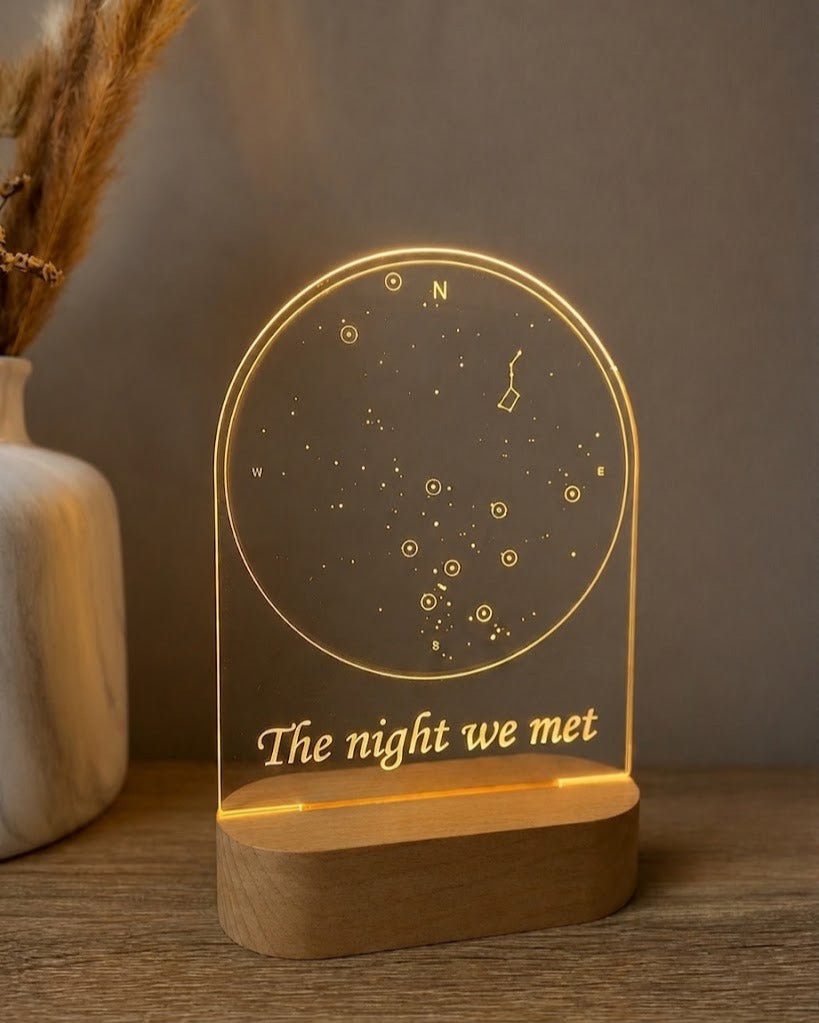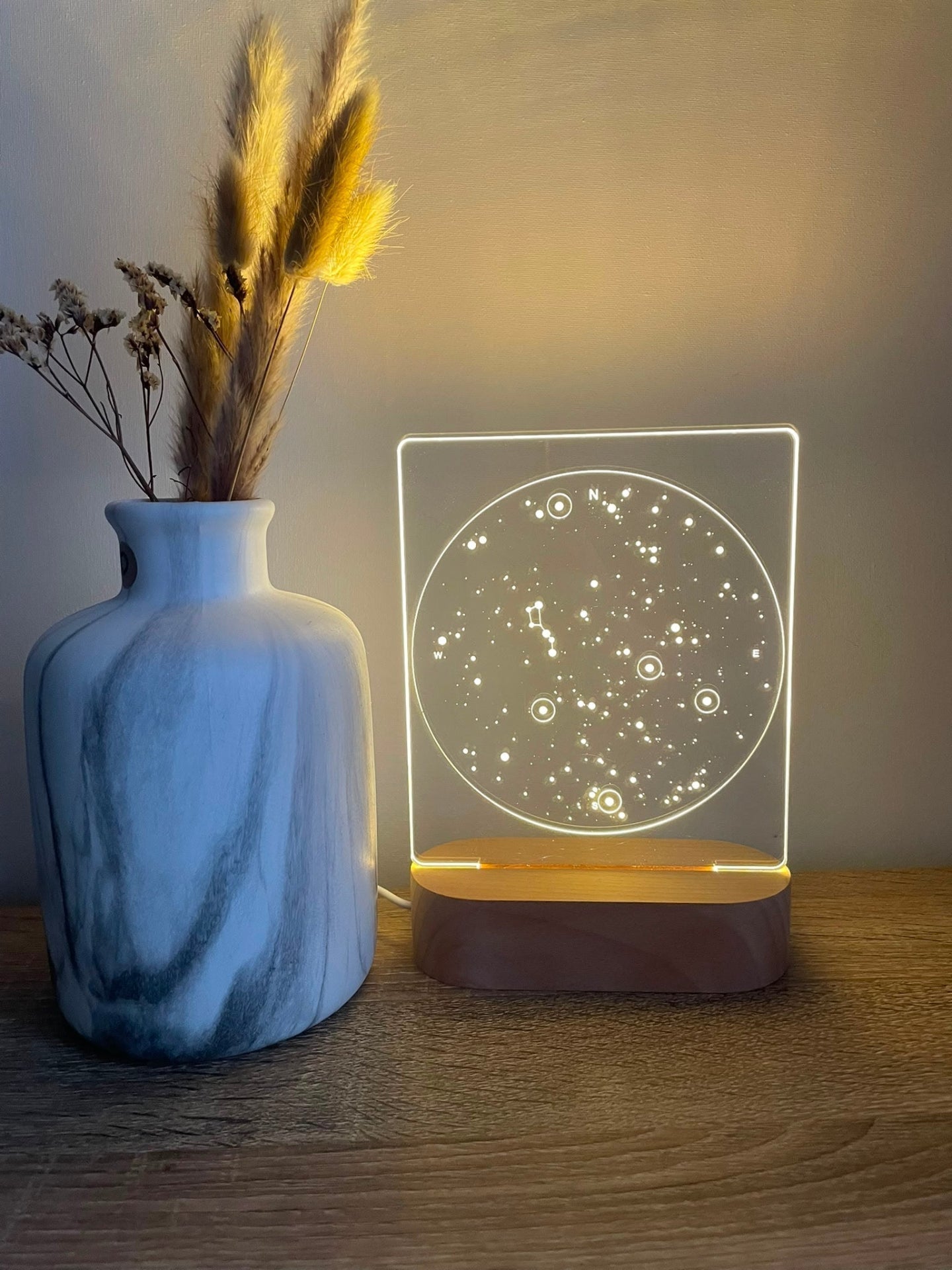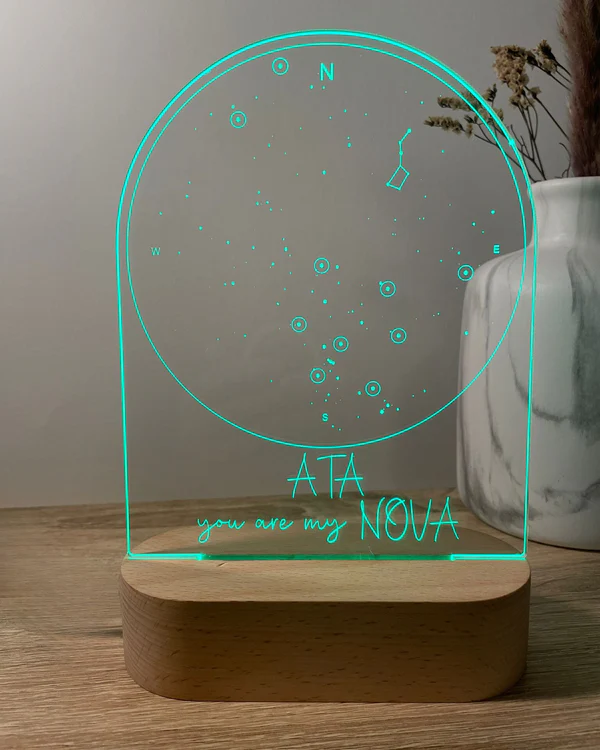
Choose one meaningful event, use the exact date and place connected to it, and keep any message short enough to support the design rather than explain the whole story. With NovaMap™, the date and location form the foundation of the personalised star map; names, an optional time and a short message complete the composition. AtaNova prepares the layout in our atelier in Antwerp and sends a digital Design Proof by email before engraving.
This guide focuses on choosing and checking the personalisation details themselves. If you still need to decide whether NovaMap is the right product, light option or size for your gift, start with the NovaMap™ Buying Guide.
What Information Do You Need for NovaMap™?
- Date: the day connected to the chosen event.
- Location: the city, venue, hospital, home town or other meaningful place where it happened.
- Names: entered exactly as they should be engraved.
- Time: optional and best included only when it is known and relevant.
- Short message: optional wording that adds meaning without overcrowding the layout.
NovaMap™ is built around a date-and-location memory. If a photograph is the main part of the story, compare the alternatives in the Personalised Lamps collection.
How to Choose the Right Date
Choose the date of the memory itself, not the day the gift will be presented. A wedding gift can use the wedding date; an anniversary gift may preserve the first meeting, proposal or wedding; a housewarming gift may use the move-in date.
Choose One Moment When Several Dates Matter
When several milestones are important, select the one the recipient would recognise first without extra explanation. The clearest moment usually creates the strongest NovaMap™.
Confirm the Date Before Submitting It
Check messages, invitations, photographs, booking confirmations or official records when accuracy matters. Pay particular attention to events around midnight. Enter the day, month and year carefully and check them again in the Design Proof.
Do You Need the Exact Time?
No. Time is optional. Add it when the exact hour is known and meaningful, such as a birth time or precisely recorded event. Leave it out when it is uncertain. A correct date and location are better than a precise-looking detail that may be wrong.
How to Choose the Right Location
Use the place directly connected to the chosen event. The wording should be specific enough to identify the memory but concise enough to remain clear on the engraved acrylic panel.
City, Venue or Full Address?
- City: best when the city alone clearly identifies the event.
- Venue: useful when a wedding venue, restaurant, hospital, beach or hotel is part of the story.
- Full address: use it only when the address itself carries the meaning, such as a first home.
Make sure the location matches the same event as the date. Do not mix a proposal date with a wedding venue unless that combination is intentionally part of the story.
How to Write the Names
Enter names exactly as they should appear in the finished engraving. Check spelling, capital letters, accents, hyphens, apostrophes and order. Use the form of the name the recipient actually uses and avoid adding extra names unless they are essential to the same memory.
How to Choose the Right Message
A NovaMap™ message works best when it adds one layer of meaning that the date, place and names do not already communicate. One short line is usually strongest; two short lines can work when the wording remains simple.
Short Message Examples
- The night our story began
- Under this sky, we said yes
- Where our next chapter started
- The moment everything changed
- Our place, our date, our story
Do not repeat every visible detail in the message, and avoid long quotes or full explanations. Leaving the message blank is also valid when the date, location and names already tell the story clearly.
Personalisation Examples by Occasion
First Meeting or First Date
Use the day you met, the city or place where it happened and, if wanted, a short line such as “The night our story began.”
Proposal or Wedding
Choose either the proposal or wedding as the single event, then use the matching location and a short message such as “Under this sky, we said yes.”
Birth of a Child
Use the child’s birth date and the hospital, city or place of birth. Add the exact time only when it is known and meaningful.
First Home or Meaningful Move
Use the move-in date and the city, neighbourhood or address when the address itself is central to the memory.
What to Check in the Design Proof
The Design Proof is the final factual and visual check before engraving. Review:
- Date: day, month, year and displayed format.
- Time: correct hour and notation when included.
- Location: spelling and intended level of detail.
- Names: spelling, accents, punctuation and order.
- Message: exact wording, line breaks and punctuation.
- Overall balance: whether the text supports the star map without crowding it.
Reply to the proof email if a small correction is needed. Engraving begins after approval. For the complete ordering and approval process, see How It Works.
When the Standard NovaMap™ Layout Is Not Enough
The standard layout is built around one chosen date and one location, supported by names, an optional time and short wording. A concept with several dates, several locations or a long family text may need a bespoke approach. Describe ideas outside the standard options through Custom Projects & Bespoke Orders.
Frequently Asked Questions
What date should I use for NovaMap™?
Use the date of the meaningful event the lamp is intended to preserve, such as a first meeting, proposal, wedding, birth, move or journey.
Do I need the exact time?
No. Add it only when it is known and relevant.
Should I enter a city, venue or full address?
Use a city for a clean recognisable location, a venue when it is part of the memory and a full address only when the address itself matters.
Can I leave the message blank?
Yes. Date, location and names can create a complete design without an additional message.
How long should the message be?
One short line usually gives the clearest result; two short lines can also work.
Can I use accents and special characters?
Yes. Enter them exactly as they should be engraved and check them in the Design Proof.
Can I use two dates or two locations?
The standard NovaMap™ layout is designed around one chosen date and one location. More complex concepts may require the bespoke project process.
Choose the Detail the Recipient Will Recognise First
Start with one event, confirm the date, use the place where it happened, enter names accurately and add one short line only when it adds meaning. Then review every visible detail in the Design Proof.
Personalise your NovaMap™ Star Map Lamp with the date, location and wording that belong to your story.