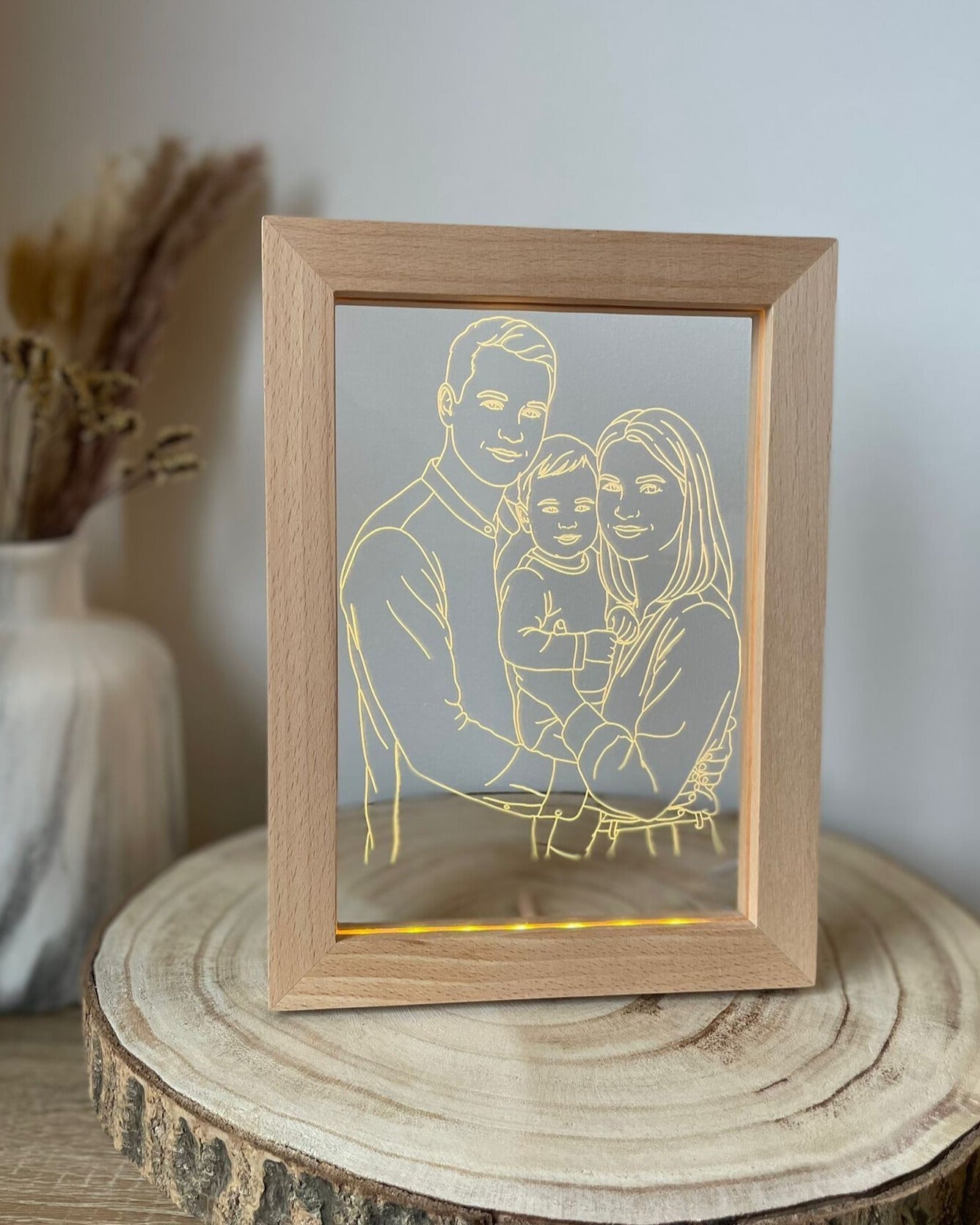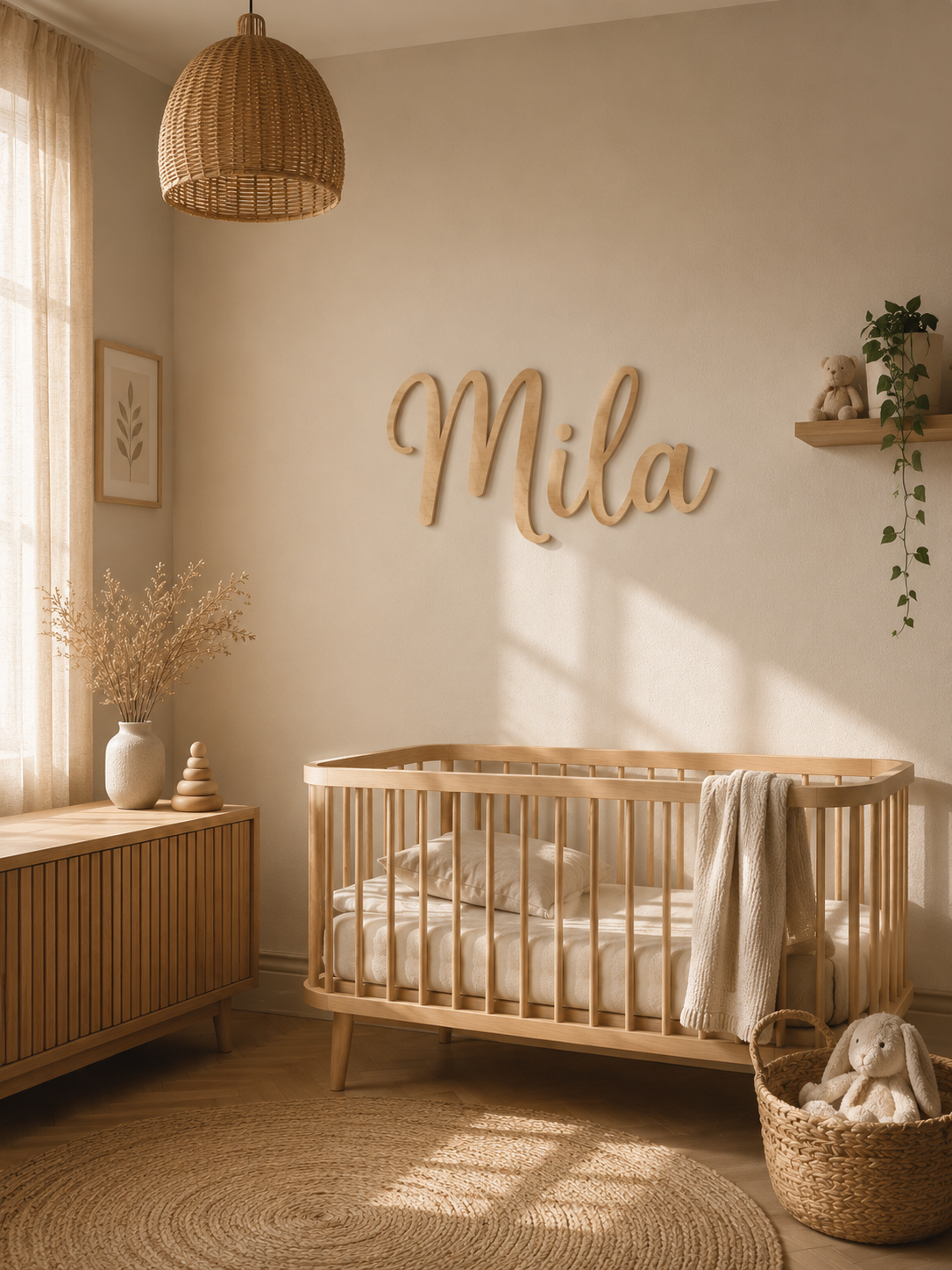
A personalised nursery feels most coherent when each piece has one clear role: choose one main focal point, then add only the decor or keepsakes that support it. Use a Nursery Name Sign when the child’s name should lead the wall, a coordinated Wall Set when you want a wider three-piece composition, DreamLight™ when the personalised feature should be illuminated and movable, FirstLight™ when birth details are the memory you want to display, and a Baby Keepsake Box when the personal element should store small physical memories rather than hang on the wall.
This guide is about choosing and coordinating nursery decor by role. For detailed wall spacing and composition, continue with How to Style a Personalised Nursery Wall.
Start with one anchor piece
Before choosing materials, colours or extra decorations, decide what should be the first thing the eye notices. A room usually feels calmer when one personalised piece leads and the others support it.
- Name as the main feature: choose a Nursery Name Sign.
- Name inside a wider wall composition: choose the Moon, Cloud & Star Wall Set.
- Personalised light on a shelf or bedside surface: choose DreamLight™.
- Birth details as the main memory: choose FirstLight™.
- Small physical memories kept together: choose the Baby Keepsake Box.
Choose a Nursery Name Sign for a direct name focal point
The Nursery Name Sign is the simplest wall choice when the child’s name or one short word should be the feature. It is available in approximate widths of 30, 45 or 60 cm and in Natural Wood, Black Acrylic or Gold Mirror Acrylic.
Choose the wall area first, then the width and material. Longer names naturally change the final proportions, so the selected width matters more than trying to match an exact height. A digital Design Proof is used before production.
Choose the Wall Set for a coordinated three-piece composition
The Moon, Cloud & Star Personalised Nursery Wall Set combines one moon, one cloud and one star. The child’s name is laser-engraved on the cloud, which acts as the personalised centre of the composition.
The set is available in Wood, Black Acrylic or Gold Acrylic and in 30, 45 or 60 cm sizes. The selected size refers to the approximate width of the cloud; the moon and star scale proportionally, while the total wall width depends on how far apart you place the three pieces.
Choose this instead of a standalone name sign when you want the wall itself to feel like one coordinated arrangement rather than one isolated word.
Choose DreamLight™ when the personalised feature should move with the room
DreamLight™ puts the child’s name into a clear acrylic illuminated design on a solid wood USB-powered LED base. It offers Bear, Unicorn, Space, Moon & Clouds or Dino T-Rex designs with 3-Color Light or RGB.
Because it stands on furniture rather than being fixed to the wall, it can be easier to reposition as the nursery changes. Keep it on a stable indoor surface and route the USB cable where a child cannot pull or trip on it. DreamLight™ is decorative lighting, not a toy.
Choose FirstLight™ when the birth story should remain visible
FirstLight™ belongs in a different role from a name sign or themed night light. Choose it when confirmed birth details are the information you want to preserve and display. It uses a personalised illuminated format with a digital Design Proof before engraving.
Do not use birth details merely to fill space. If the room’s main identity is the child’s name, keep FirstLight™ as a supporting shelf piece rather than making every personalised item repeat the same information.
Choose the Baby Keepsake Box for memories that should be stored, not displayed on the wall
The Baby Keepsake Box gives small, clean and dry memories one dedicated place. Its natural wooden lid can be personalised with a name and optional date or short text, with a digital Design Proof before engraving.
Use it on a stable shelf or storage area as a functional keepsake piece. It does not need to match every wall element exactly; repeating one material tone, name style or small visual detail is enough to make it feel connected to the room.
Coordinate material by contrast, not by forcing an exact match
Natural wood works well when you want a warm, quieter feature. Black acrylic creates a stronger graphic outline on a light wall. Gold acrylic or Gold Mirror Acrylic creates a more reflective decorative accent.
Do not expect natural wood to match existing furniture perfectly. Grain and tone can vary. Instead, treat it as part of the room’s wider warm or natural material family.
Measure the real location before choosing size
Measure the usable wall or shelf area, not the whole room. Account for furniture, doors, curtains, shelves, switches and the child’s reach. For the three-piece Wall Set, remember that the final composition becomes wider as the moon, cloud and star are spaced farther apart.
If the wall itself is your main project, the detailed layout method belongs in How to Style a Personalised Nursery Wall.
Keep safety part of the decor plan
- Mount wall pieces securely with a fixing method suitable for the wall and selected material.
- Mounting materials for the Nursery Name Sign and Wall Set are not included.
- Keep wall pieces securely out of reach of babies and young children.
- Place lamps on stable indoor surfaces and keep USB cables out of reach.
- Treat personalised wall art, lamps and keepsake storage as decor or keepsakes, not toys.
Choose decor that can move beyond the nursery
Name-led pieces often transition more easily into a later child’s bedroom than decor built around a very narrow baby theme. A standalone name sign can move to a new wall; DreamLight™ can move to a desk or bedside area; a Keepsake Box can remain useful even when the room is restyled.
The goal is not to make every item permanent. It is to give each personalised piece a reason to remain useful or meaningful when the nursery changes.
Final nursery decor decision
- One clear name on the wall: Nursery Name Sign.
- A wider coordinated name composition: Moon, Cloud & Star Wall Set.
- A movable illuminated name/theme feature: DreamLight™.
- Confirmed birth details as a visible keepsake: FirstLight™.
- Small physical memories kept together: Baby Keepsake Box.
Choose one anchor, support it with fewer intentional pieces and leave enough visual space for the room to grow. Browse the current Baby & Kids collection for the live range and use How It Works for the ordering and Design Proof process.
Frequently Asked Questions
Should I choose a Name Sign or the Wall Set?
Choose the Name Sign when the name alone should be the wall focal point. Choose the Wall Set when you want the name integrated into a coordinated moon, cloud and star composition.
Can I combine a wall piece and a personalised lamp?
Yes. Let one be the main feature and use the other as a supporting shelf or bedside element rather than giving both equal visual weight.
Do all nursery pieces need to use the same material?
No. A repeated tone or contrast can be enough. Natural wood also varies in grain and colour, so exact matching should not be expected.
Are nursery wall pieces and personalised lamps toys?
No. They are decorative products and should be mounted or placed securely according to their intended use.